primeclip.prosubtitle generation and styling website
A Relatable Facepalm Leads Into a Subtitle Tool Demo
A selfie facepalm paired with a relatable subtitle-writing comparison hooks creators before a demonstration of a website that generates styled captions.
- Views
- 37K
- Likes
- 463
- Comments
- 64
- Length
- 27s
Observed : 37,033 views, 463 likes, 64 comments. Published . An Instagram view is a play of a video (Reels); images and carousels have no views.
First 3 seconds
- Visual
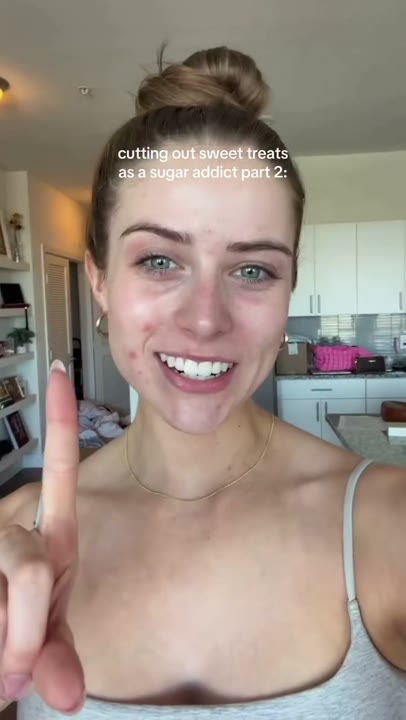
- The creator looks at the camera with a hand at the temple, briefly covers one eye in a facepalm, then opens their eyes with a slight smile.
- On-screen text
- “When a website does your subtitles better than you do”
- Spoken line
- None: no speech in the opening
- Sound
- Upbeat instrumental music with no opening speech, according to the prior audio analysis; the uncertain transcript fragment does not establish speech.
Script beats
Selfie reaction beneath the comparison between the creator's subtitle skills and a website.
Invite recognition of a tedious creator task and curiosity about the tool
Cut to a filmed monitor showing primeclip.pro and the instruction 'Go to this website'.
Reveal the solution promised by the opening
Show a file-selection window, followed by language and caption-style options.
Make the workflow look concrete and approachable
Show caption-style choices and a project dashboard with an 'Applying style...' indicator.
Connect customization to the tool processing a video
Show a video preview with prominent styled subtitles.
Provide visible evidence of the output
Continue the captioned preview beneath a request to comment 'Captions' for the link.
Turn interest in the demonstrated result into comments
Why it works
- Self-recognition. The 'When...' overlay frames subtitle creation as a familiar frustration for people who edit their own videos.
- Self-deprecating humor. The facepalm makes being outperformed by a website feel playful and human.
- Unresolved solution. The opening mentions an unnamed website, giving viewers a reason to stay for its identity and output.
- Visible proof. The later workflow and captioned preview support the opening comparison with an observable result.
How to adapt it
- Task the product handles. Use an editing app for removing background noise, a budgeting app for sorting expenses, or a cleaning tool for removing pet hair.
- Opening comparison. Try 'When an app organizes your receipts better than you do' or 'When a brush gets the pet hair your vacuum missed'.
- Proof sequence. Show importing receipts and the sorted list, or a short cleaning pass followed by the collected hair.
- Closing action. Invite viewers to comment 'Template' for a planning resource or 'Tool' for the demonstrated product link.
- Keep intact.
- Put a specific, recognizable task in a readable opening overlay
- Pair the comparison with a brief, legible facial reaction
- Reveal the product soon after the reaction
- Show an actual result that supports the opening claim
Pattern template
When [product type] does [familiar task] better than you do → [facepalm and knowing smile] → [product reveal] → [workflow and result] → [relevant CTA]
Keywords and tags
- Audience
- Video creators who make and style subtitles for their own content
- Angles
- Relatability, Humor, Curiosity
- Call to action
- Comment "Captions" and I'll send the link
- Sound
- Music only
Video and caption by @creatingwithmic; original post on Instagram. Breakdown by UGC Growth Engineer, added .