Widgetablemood-sharing app and home-screen widget
A Long-Distance POV That Delays the Mood-Sharing App Reveal
A selfie POV hooks long-distance couples with the promise of a thoughtful gesture, then reveals a mood-sharing app and a caring message as the payoff.
- Views
- 212K
- Likes
- 4.2K
- Comments
- 7
- Length
- 13s
Observed : 212,208 views, 4,218 likes, 7 comments. Published . An Instagram view is a play of a video (Reels); images and carousels have no views.
First 3 seconds
- Visual
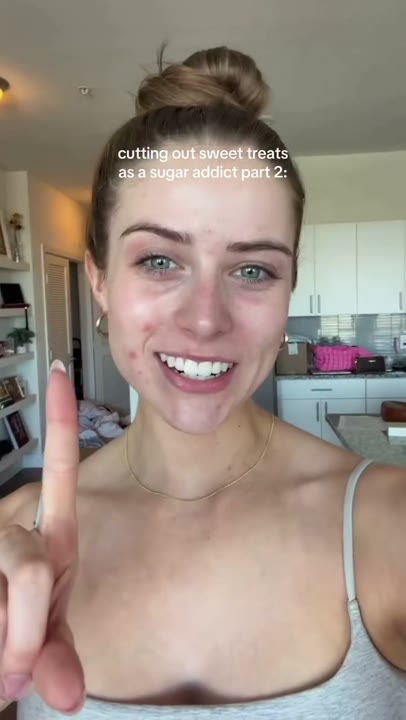
- The creator films a close-up selfie at home, resting a hand near the cheek and shifting from a playful smile to a scrunched pout and back.
- On-screen text
- “POV: Ur boyfriend found the cutest way to make long distance more bearable”
- Spoken line
- None: no speech in the opening
- Sound
- Background acoustic music without creator speech, according to the prior audio analysis.
Script beats
Expressive selfie beneath a POV overlay promising a cute way to ease long distance.
Establish a recognizable relationship problem while withholding the solution
Cut to an app screen showing colorful mood balls collecting in a jar and selectable mood ratings.
Resolve the initial curiosity with a simple visual product demonstration
Show two mood jars on a phone home screen, labeled ME and HIM.
Explain how the feature keeps both people's moods visible in everyday use
Show a message reading 'Why so many sad balls? Call me anytime baby ❤️' beneath the overlay 'He noticed 🥺'.
Turn the app feature into an emotional payoff: feeling noticed and invited to connect
Why it works
- Self-recognition. The opening names long distance immediately, giving viewers in that situation a reason to care before any product appears.
- Withheld solution. 'Found the cutest way' promises a specific discovery without naming it, encouraging viewers to stay for the reveal.
- Emotion before features. The creator's expressions establish the emotional tone before the screen recording explains the app.
- Visible emotional payoff. The final message illustrates the desired outcome of mood sharing rather than ending on the interface alone.
How to adapt it
- Shared relationship difficulty. Use mismatched work schedules for a shared calendar app, missing family for a connected photo frame, or forgotten date nights for a planning app.
- Thoughtful product discovery. Reveal a shared countdown widget, a collaborative photo album, or a paired touch lamp after the opening selfie.
- Visual demonstration. Show both calendars side by side, a new photo appearing on the frame, or one lamp lighting up after the other is tapped.
- Emotional payoff. Finish with a genuine response to the shared photo or a completed date plan; clearly present staged messages as illustrative.
- Keep intact.
- Name a recognizable emotional situation in the opening overlay
- Promise a specific thoughtful solution while briefly withholding the product
- Reveal the product around the three-second mark with an immediately understandable demonstration
- End with a concrete human benefit that fulfills the opening promise
Pattern template
POV: Ur [person] found the cutest way to make [shared difficulty] more bearable → expressive selfie → [product demonstration] → [visible caring response].
Keywords and tags
- Audience
- People in long-distance relationships who want small ways to feel connected and notice each other's moods
- Angles
- Relatability, Curiosity, Romance
- Call to action
- Put both your mood jars on your homescreen!
- Sound
- Music only
Video and caption by @maeswidget; original post on Instagram. Breakdown by UGC Growth Engineer, added .